GridSplitter
The GridSplitter control allows a user to resize the columns or rows in a grid at runtime. The splitter is drawn as a column or row (size can be specified), and has a grip that the user can manipulate at runtime.
Useful Properties
You will probably use these properties most often:
| Property | Description |
|---|---|
Background | Background color for the splitter bar. |
Grid.Column | Attached to give the (column) position of the splitter. |
Grid.Row | Attached to give the (row) position of the splitter. |
ResizeDirection | The direction of travel for the splitter. (See note below.) |
avertissement
To provide any meaningful movement, the direction of travel of the splitter must be the same as its position definition. That is: for a column splitter specify ResizeDirection="Columns" and for a row splitter specify ResizeDirection="Rows".
Examples
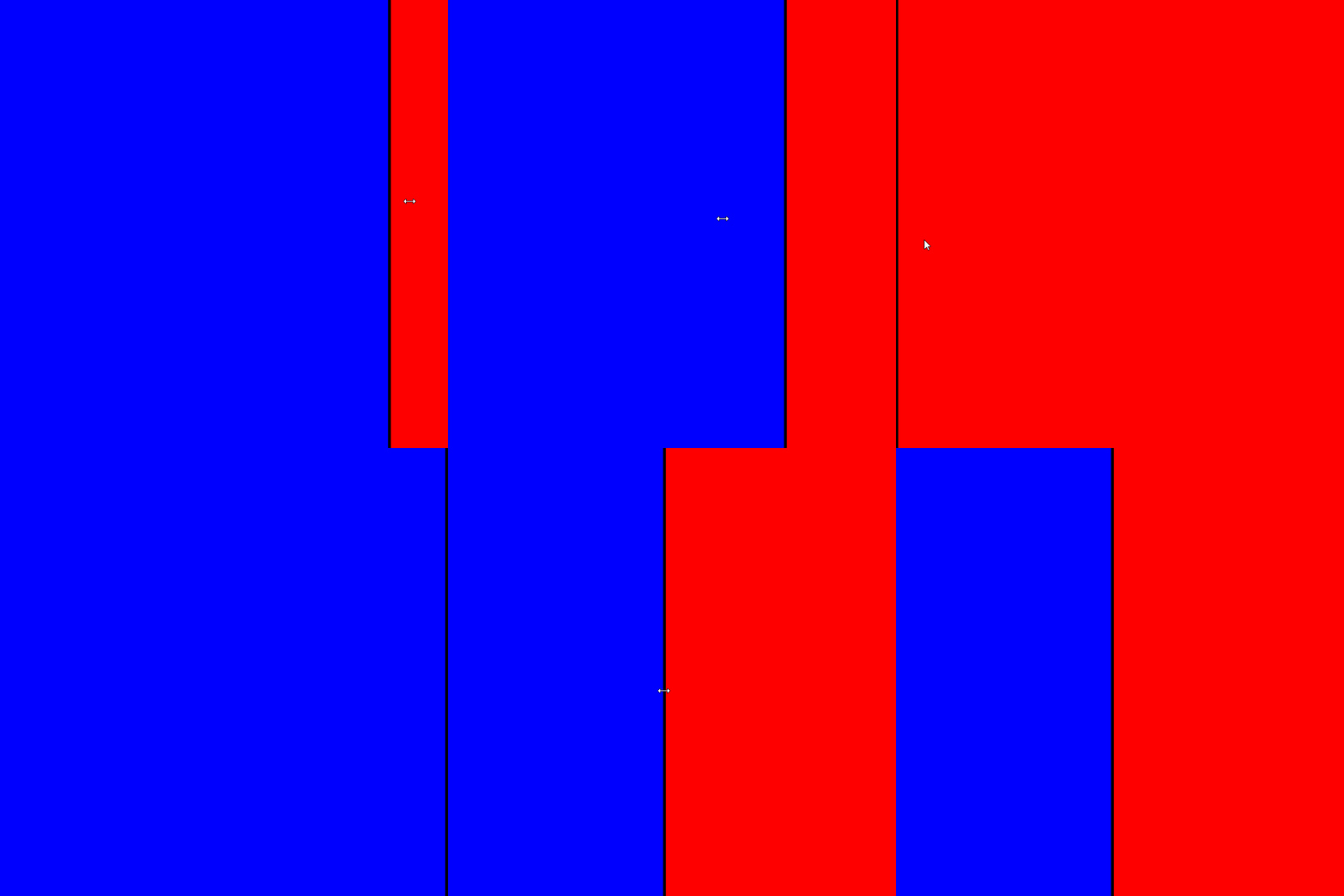
This is a column splitter:
<Grid ColumnDefinitions="*, 4, *">
    <Rectangle Grid.Column="0" Fill="Blue"/>
    <GridSplitter Grid.Column="1" Background="Black" ResizeDirection="Columns"/>
    <Rectangle Grid.Column="2" Fill="Red"/>
</Grid>
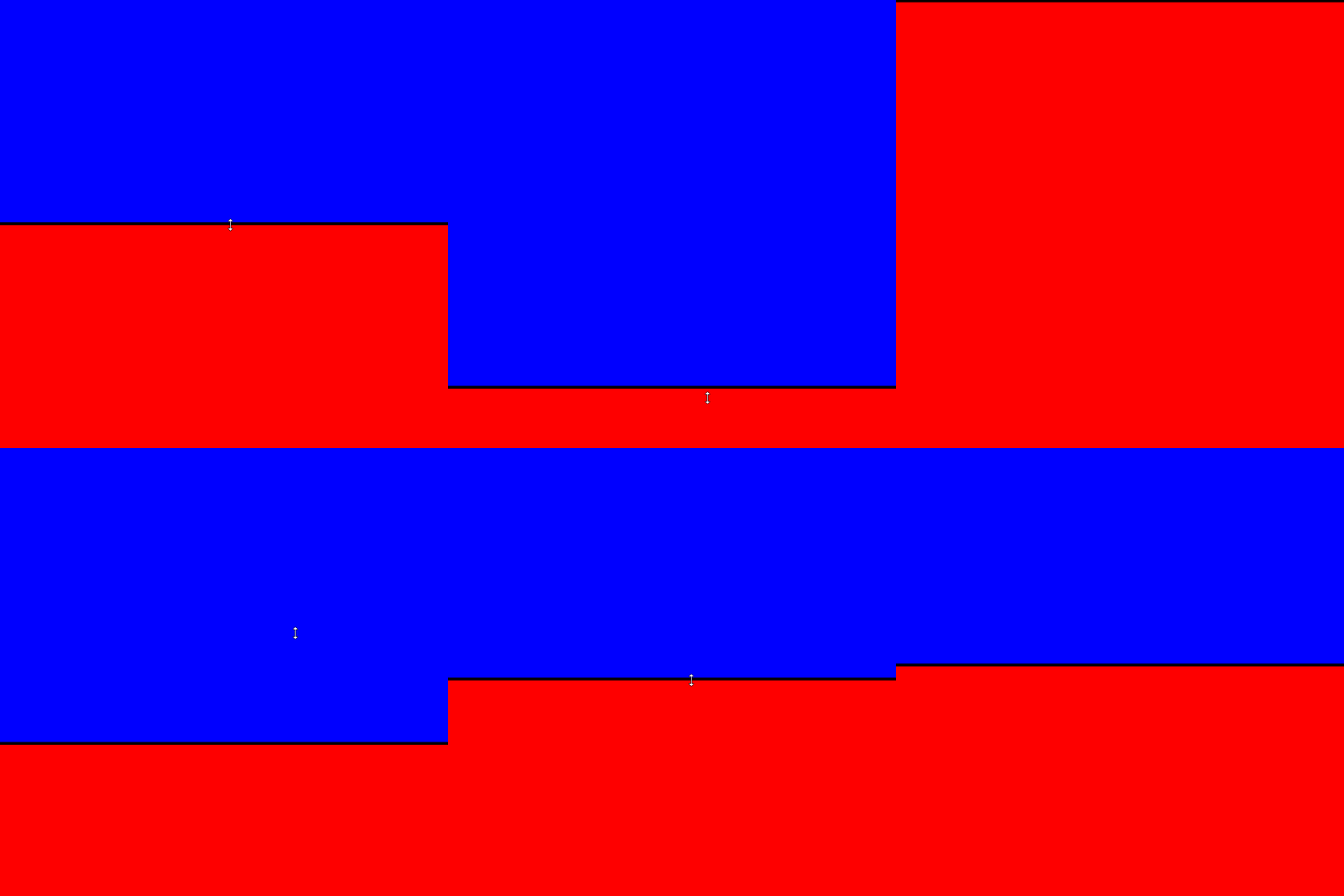
This is a row splitter:
<Grid RowDefinitions="*, 4, *">
    <Rectangle Grid.Row="0" Fill="Blue"/>
    <GridSplitter Grid.Row="1" Background="Black" ResizeDirection="Rows"/>
    <Rectangle Grid.Row="2" Fill="Red"/>
</Grid>
More Information
POUR VOTRE INFORMATION
For the complete API documentation about this control, see here.
POUR VOTRE INFORMATION
View the source code on GitHub GridSplitter.cs