ContextMenu
The ContextMenu can be applied to any host control to implement a right-click 'context sensitive' menu. This uses an attached property of the host control.
POUR VOTRE INFORMATION
To review the concept behind this use of an attached property, see here.
Example
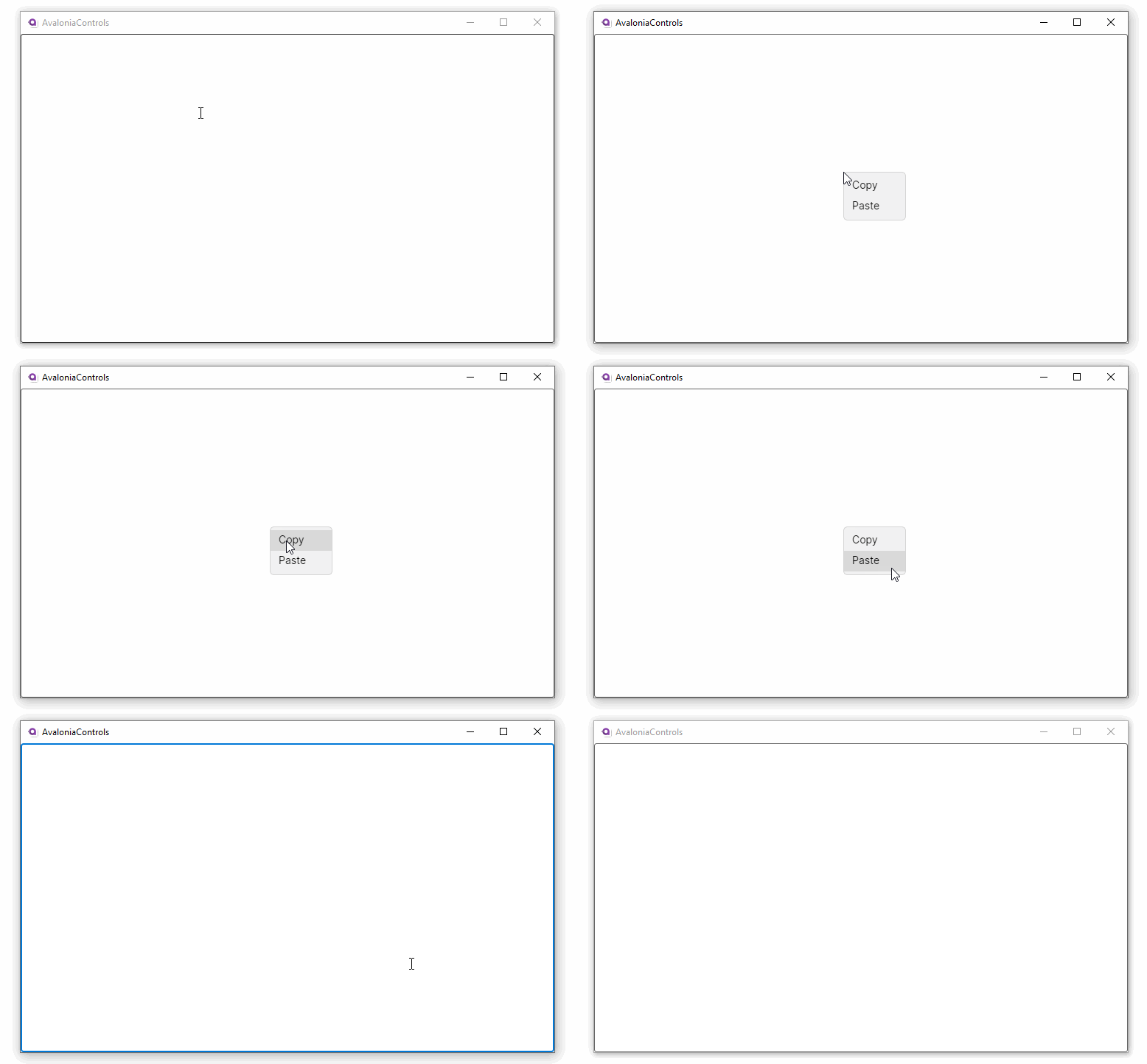
This example, a context menu is attached to a multi-line text box:
<TextBox AcceptsReturn="True" TextWrapping="Wrap">
  <TextBox.ContextMenu>
    <ContextMenu>
      <MenuItem Header="Copy"/>
      <MenuItem Header="Paste"/>
    </ContextMenu>
  </TextBox.ContextMenu>
</TextBox>
Context Flyout
You can use a context flyout as an alternative to a context menu. A context flyout can provide a sharable and richer UI experience than a simple context menu.
avertissement
A control cannot have a context flyout and a context menu attached at the same time.
A context flyout is invoked automatically like a context menu.
More Information
POUR VOTRE INFORMATION
For the complete API documentation about this control, see here.
POUR VOTRE INFORMATION
View the source code on GitHub ContextMenu.cs